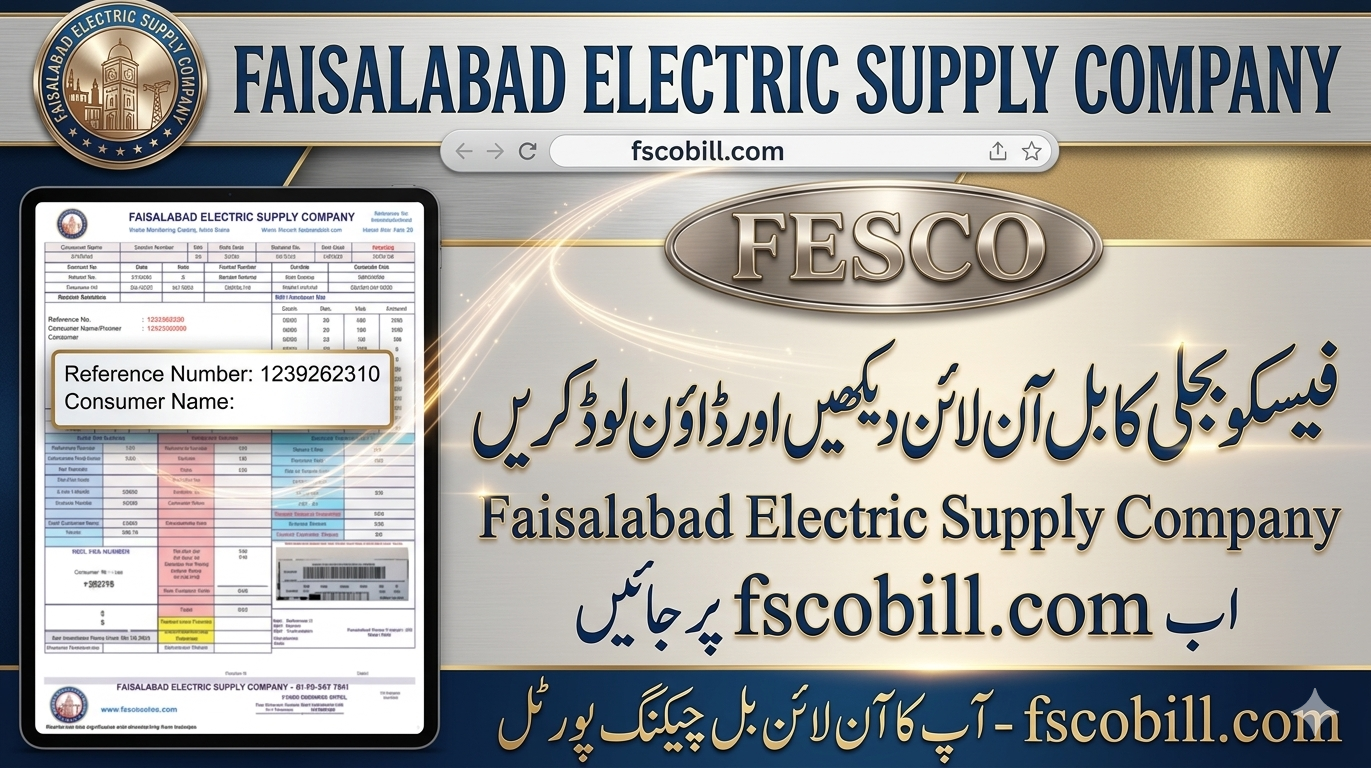
Check FESCO Bill Online 2026 with your 14-digit reference number. Easily view, download, and pay your electricity bill online in Pakistan. Learn about peak hours, net metering, safety tips, and manage all bills in Pakistan quickly.
Check FESCO Bill Online 2026
In 2026, checking your FESCO bill online is very simple. People in Faisalabad and nearby districts can now see their electricity bills online anytime. You can also download duplicate bills, know peak hours, and apply for net metering.
Fesco Bill Check Online
Check your electricity bill online
Select Bill Type
Reference No
14-digit reference number from your bill
Customer ID
10-digit customer identification number
Please enter your 14-digit reference number
Fetching your FESCO bill details…
Please enter a valid 14-digit reference number.

Bill Found Successfully!
Reference No
—

Bill Month
—
Due Date
—

Total Payable
—
© 2026 fscobill.com – All Rights Reserved. Not officially affiliated with FESCO.
About FESCO
- Faisalabad Electric Supply Company (FESCO) is a government company.
- It has low losses and high recovery rates.
- Controlled by NEPRA.
- Serves more than 5 million people.
- Head office is in Faisalabad, also called the “Manchester of Pakistan.”
- Check FESCO Bill Online 2026
Areas Covered by FESCO
FESCO gives electricity to 8 districts in Punjab:
| Districts |
|---|
| Faisalabad |
| Sargodha |
| Mianwali |
| Khushab |
| Jhang |
| Bhakkar |
| Toba Tek Singh |
| Chiniot |
Read more; MEPCO Bill Online Check 2026 – View, Download & Pay
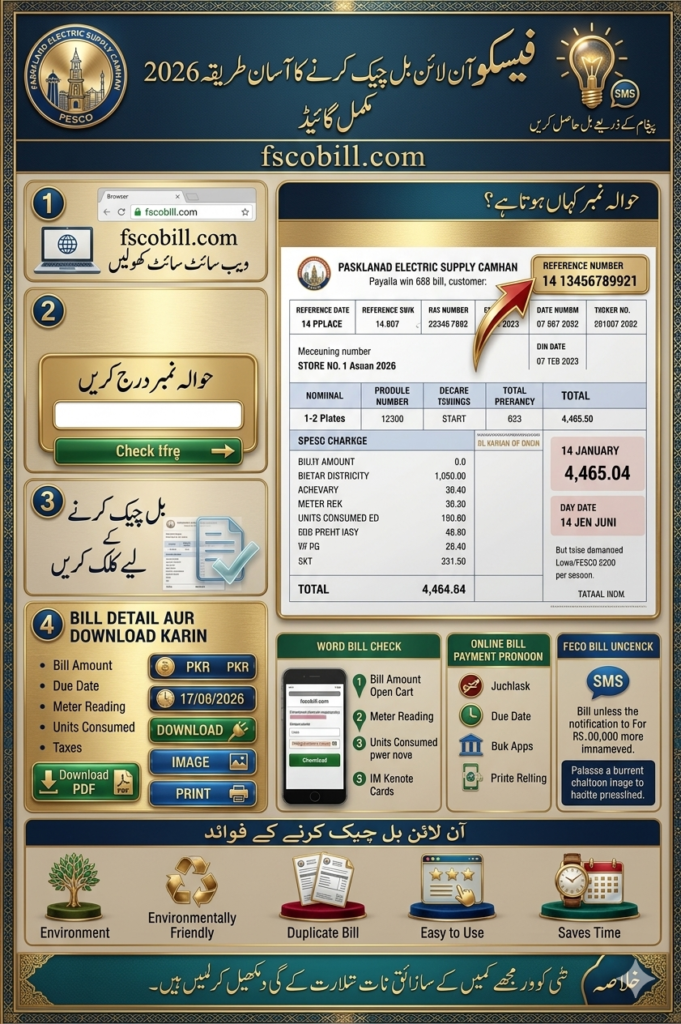
How to Find Your Reference Number
- The 14-digit reference number is printed on your bill (top section).
- You can also use your 10-digit Customer ID.
- If lost, check old bills, SMS alerts, or call the FESCO helpline.
- Check FESCO Bill Online 2026
Steps to Check FESCO Bill Online
| Step | Action |
|---|---|
| 1 | Go to bill.pitc.com.pk/fescobill or fescobills.pk |
| 2 | Enter your 14-digit reference number |
| 3 | See bill details (amount, due date, units) |
| 4 | Download or print your duplicate bill |
FESCO Bill Peak Hours
Peak hours mean higher rates.
- April to October: 6:30 PM – 10:30 PM
- November to March: 6:00 PM – 10:00 PM
- Check FESCO Bill Online 2026
👉 Use heavy appliances like AC, iron, washing machine in off-peak hours to save money.
Tips to Lower Your Electricity Bill
- Use LED bulbs and energy-saving appliances.
- Unplug devices when not in use.
- Set AC at 26°C.
- Run washing machines in off-peak hours.
- Install solar panels with net metering.
- Monitor usage online.
Consumer Safety Guidelines
- Never tamper with meters or wires.
- Keep wires away from water.
- Do not overload sockets.
- Call helpline 118 for faults.
- Follow monsoon safety tips.
How to Apply for Net Metering
- Install a solar system.
- Apply at your local FESCO office with documents.
- FESCO will inspect and install a bi-directional meter.
- Extra electricity will give you credits.
Payment Methods for FESCO Bill
- JazzCash, Easypaisa, bank apps (HBL, UBL, Meezan).
- ATMs and bank branches.
- FESCO customer centers.
FAQs
- What is the reference number? → A 14-digit number printed on your bill.
- Is duplicate bill valid? → Yes, it is accepted.
- Lost reference number? → Use Customer ID or call helpline 118.
- New connection? → Apply online via ENC portal.
